Oops! Something went wrong while submitting the form.
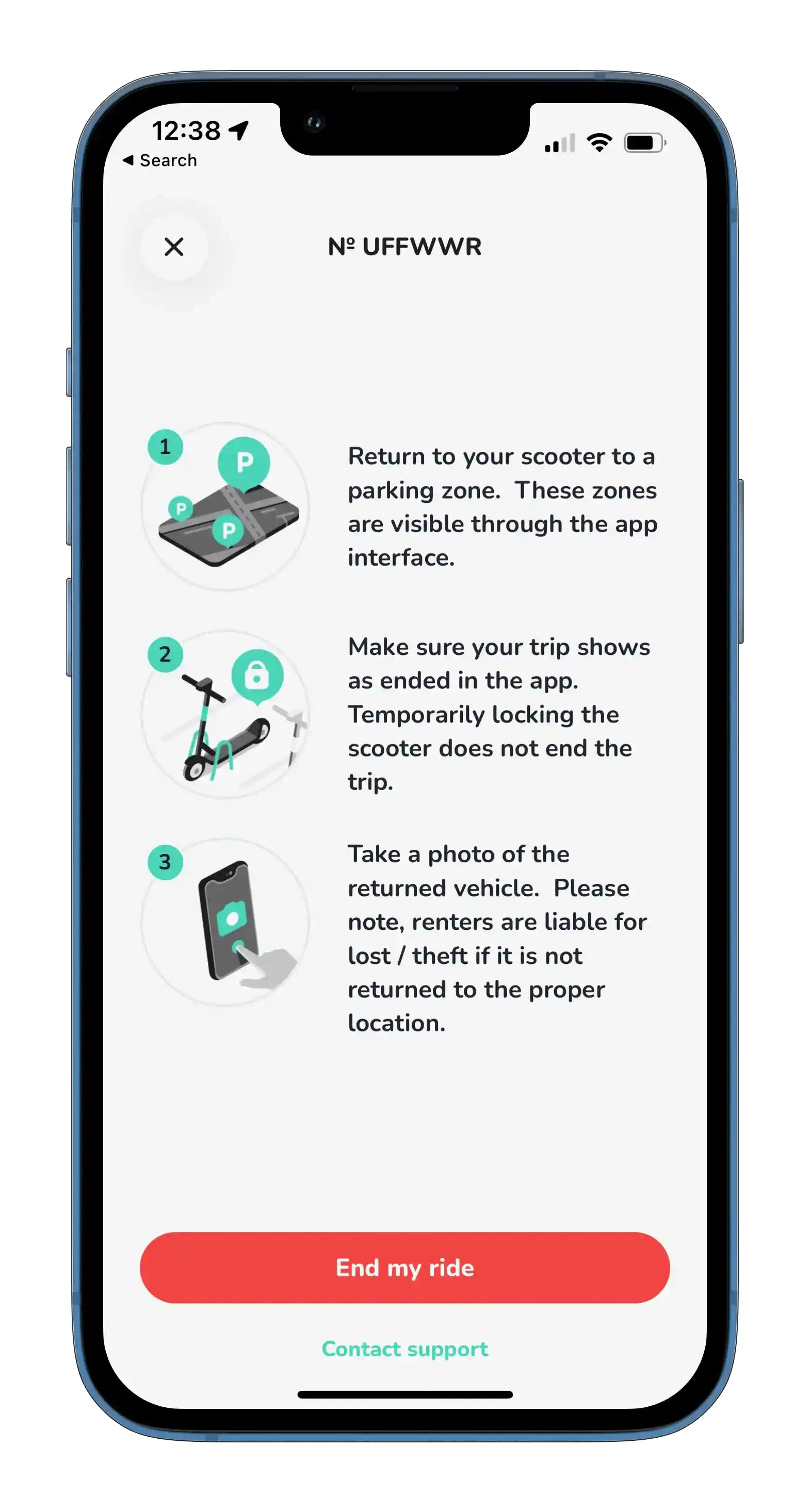
End Your Ride and Park Responsibly.
Park
When you finish your trip, make sure to park your scooter in a designated parking area shown on the app. Avoid blocking walkways, ramps, or entrances, and double-check that you're not in a no-parking zone. Ending your ride properly helps keep the campus safe and organized for everyone.
Explore the campus.
Explore
Open the app and explore the campus map to find the nearest available scooter. You can ride freely around designated areas, but please pay attention to the no-parking and no-ride zones marked on the map. Riding or leaving your scooter in these restricted areas may result in additional fees or temporary account restrictions.
Unlock your ride.
Unlock
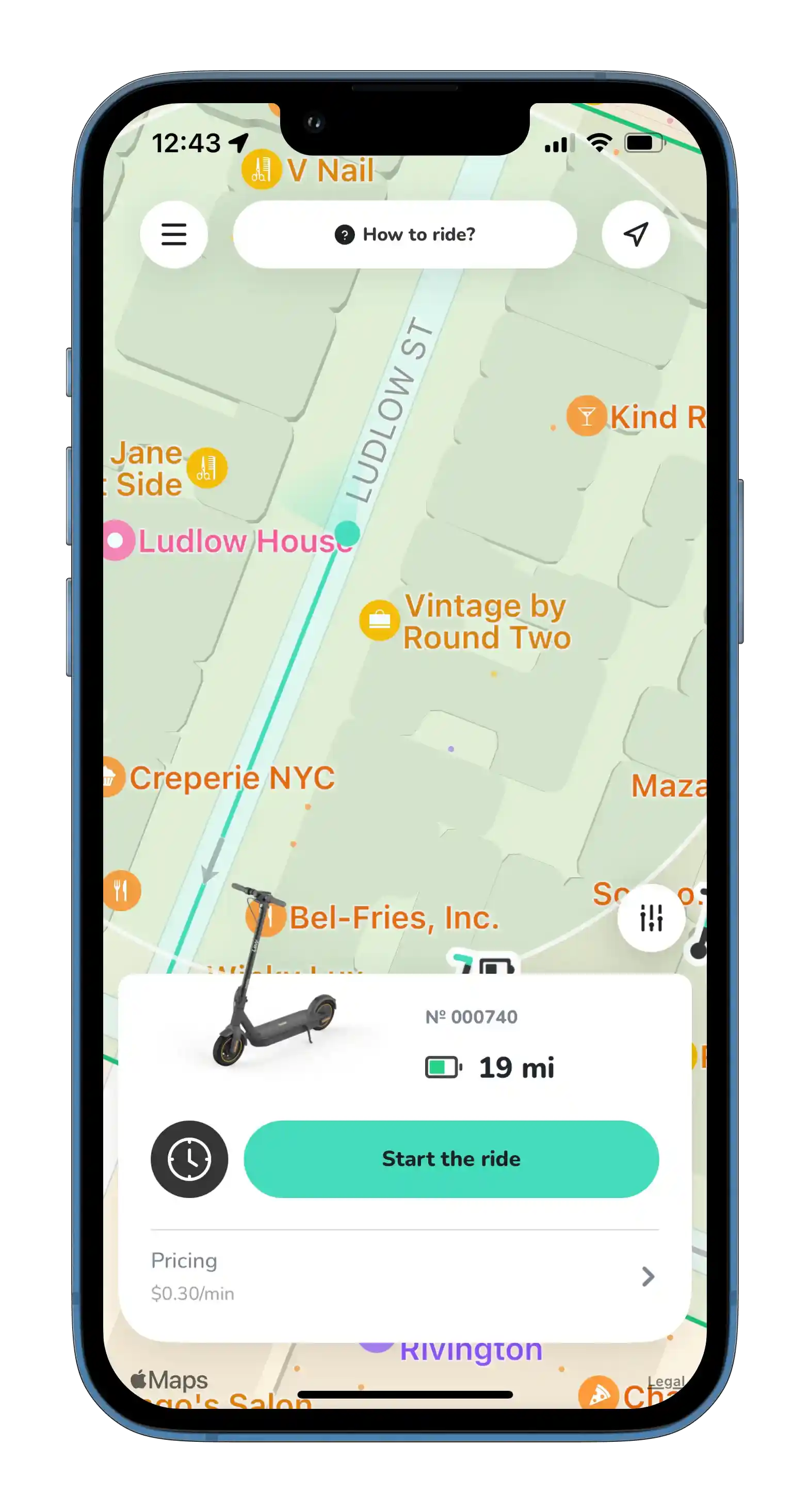
Upon starting the ride, the scooter will be unlocked and billing will begin. If it's their first ride, an additional push notification will be delivered with supplemental FAQs, in addition the default page below.
How it works
Search
Open the app and use the interactive map to find the nearest available scooter on campus. Check its battery level and distance to make sure it fits your trip, then head to the location to begin your rental.





_11zon.webp)
_11zon.webp)